
Short answer: install your eSIM for Korea travel before you leave home, while you’re still on your own Wi-Fi, but don’t switch it on until after you land. Getting that order backwards is the single most common reason travelers land in Seoul with no signal and no way to fix it from the arrivals hall.
Most eSIM guides tell you to “just scan the QR code,” but they skip the part that actually matters: installing a profile and activating it are two different steps, and Korea’s carriers expect them to happen at different times. Here’s the order that works, why it works, and what to do at Incheon Airport if it still doesn’t connect.
eSIM for Korea Travel: The One Step Before You Board
An eSIM profile has to be downloaded onto your phone before it can do anything, and that download needs a working internet connection. Airport Wi-Fi at your departure city is often fine for this, but the safer move is doing it at home a day or two before you fly, when you’re not rushing to board and your connection is reliable.
Activation is the separate step that actually turns the data plan on. For most Korea-focused eSIMs, sold through resellers or directly through carriers, that plan’s validity period starts counting from activation, not installation. Turn it on too early and you can burn through travel days before you’ve even landed.
Why Waiting Until Incheon Is Too Late
If you wait to install the profile until you’re standing at the gate or already on the plane, you’re depending on spotty terminal Wi-Fi or nothing at all. Once you land, your phone has no data connection yet either, which means a profile that still needs downloading can leave you stuck in the arrivals hall with no way to call a ride or pull up a map.
Do KT and SKT Actually Offer Tourist eSIMs?
Yes. Both of Korea’s major carriers run dedicated roaming products for foreign travelers, separate from their regular domestic plans. SK Telecom’s own roaming service, for example, sells short-term LTE eSIMs built specifically for visitors, with passport verification handled either online in advance or at an airport roaming counter after you arrive.
These carrier-direct eSIMs work the same way as most third-party ones: you install the QR profile before you fly, then let it activate once your phone picks up a KT, SKT, or LG U+ signal after landing. If you’re also brushing up on basic phrases for the trip, 10 Korean phrases tourists actually need covers the short lines that come in handy at a counter like this.
What to Check Before You Buy One
Confirm three things before you pay for any Korea eSIM: how many days of validity you’re getting, whether the clock starts at purchase or at activation, and whether your specific phone model supports eSIM at all. Older or carrier-locked phones sometimes can’t install one, and that’s worth knowing before you land, not after.
If Your eSIM Doesn’t Activate at Incheon Airport
Sometimes a profile installs fine at home but doesn’t switch on cleanly after landing, especially if data roaming was left off or the wrong line was selected in your phone’s settings. Before assuming the eSIM itself failed, check that data roaming is turned on for that specific eSIM line, not your regular home number.
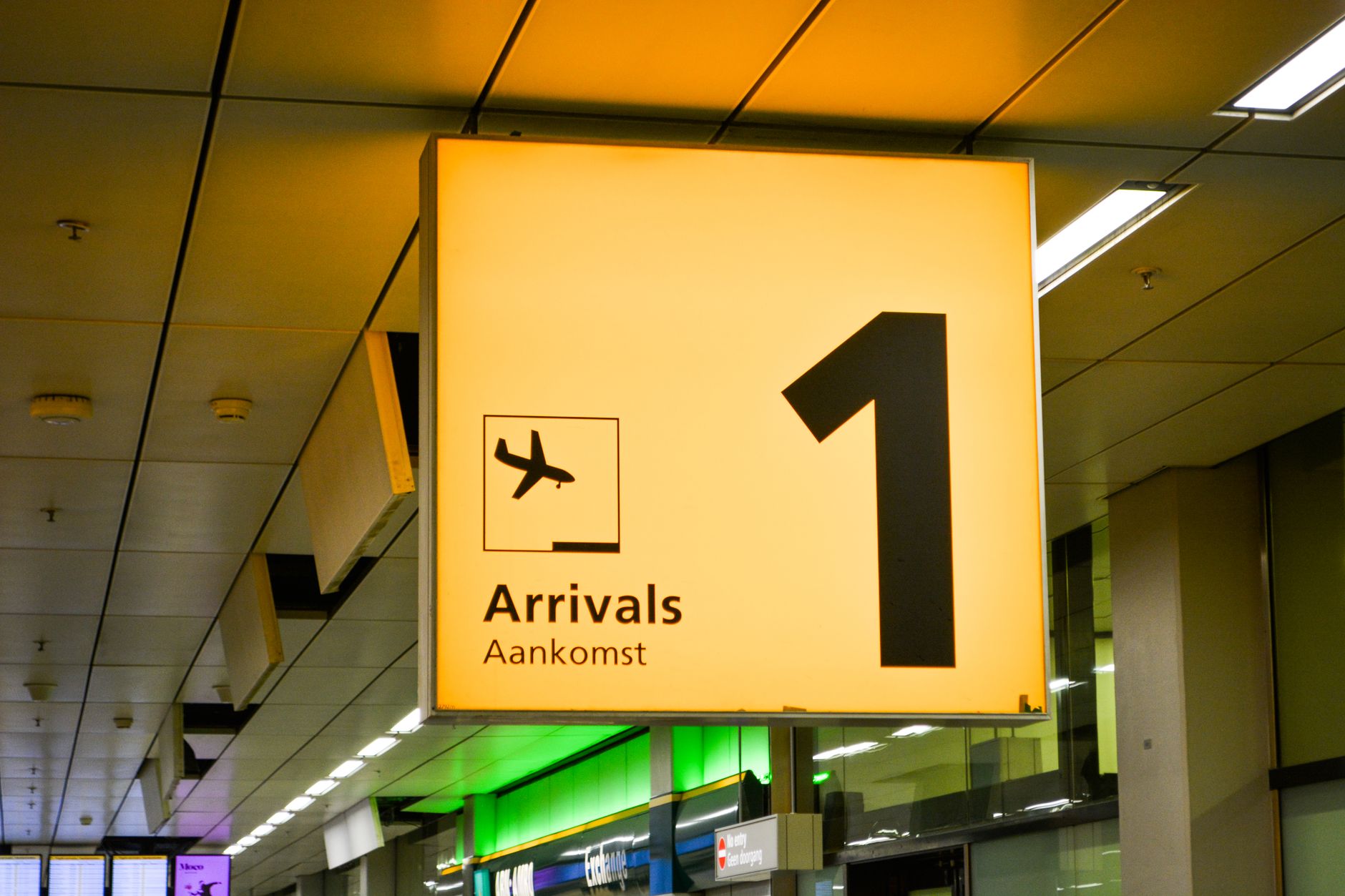
If it’s still not working, KT, SKT, and LG U+ all run staffed counters in the arrival halls of both Incheon Airport terminals, some open 24 hours. Staff there can help activate a carrier eSIM with your passport or sell you a physical SIM or pocket Wi-Fi as a backup, so you’re not stuck waiting until you reach your hotel. Incheon International Airport’s official site lists which terminal each carrier’s desk sits in, since exact counter numbers shift from time to time.
A Backup Worth Planning For
If your Korea trip includes places with thin signal, like sections of the DMZ tour from Seoul, having a working connection sorted before you leave Incheon matters more than usual, since there’s no counter to fall back on once you’re out of the city.
Quick Checklist Before You Fly
- Install the eSIM QR profile at home on Wi-Fi, a day or two before departure.
- Leave activation off until you’ve landed and your phone can reach a Korean carrier signal.
- Turn on data roaming specifically for the new eSIM line after landing.
- Save the KT, SKT, or LG U+ arrival hall counter as your backup, not your first move.
- Check your phone supports eSIM before you buy one, not after you’re at the gate.
Frequently Asked Questions
Q. Can I install a Korea eSIM the same day I fly?
A. Yes, as long as you have a stable Wi-Fi connection before boarding. It’s just riskier than doing it a day or two ahead, since a shaky connection or a last-minute rush can leave the download incomplete.
Q. Will my eSIM connect automatically the moment I land?
A. Usually, if data roaming is already enabled for that line. If nothing happens within a few minutes, toggle airplane mode off and on again before assuming something’s wrong.
Q. Is a physical SIM safer than an eSIM for a first trip to Korea?
A. Not necessarily. A physical SIM just moves the same install-then-activate logic to an airport counter instead of your phone settings. Either way works, an eSIM just saves you the counter line if it installs correctly beforehand.
eSIM for Korea travel in five lines
- Install the profile at home on Wi-Fi, days before you fly
- Activate only after you land, not before
- Turn on data roaming for the new eSIM line specifically
- KT, SKT, and LG U+ counters at Incheon are your backup, not step one
- Confirm your phone supports eSIM before you buy
Get the order right, install first at home, activate after landing, and you’ll clear Incheon with working data instead of hunting for a counter. If it still doesn’t connect, the carrier desks in both terminals’ arrival halls are built for exactly this.
Once you’re connected, map apps and directions get a lot easier to plan around, including working out which of Seoul’s five palaces to visit first.
#eSIMforKoreaTravel #KoreaTravelTips #KoreaESIM #IncheonAirport #KoreaTravel #KTeSIM #SKTeSIM #TravelKorea #KoreaTripPlanning #SeoulTravel #KoreaVacation #TravelTechTips #KoreaConnectivity #AirportWifi #BlueRibbonPicks
Leave a Reply